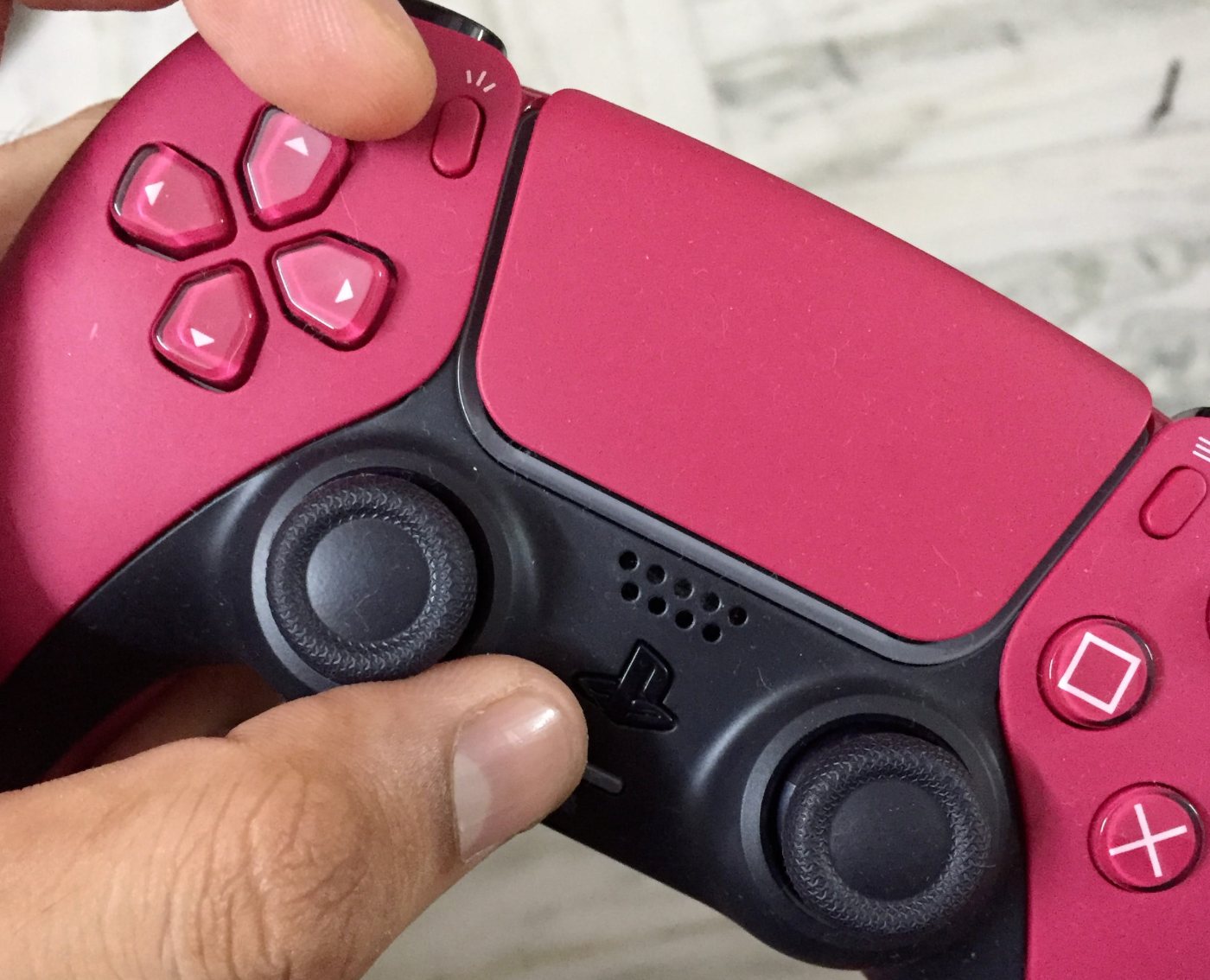
If you are seeing orange lights on both sides of the DS bar and a white one in the center, your Dualsense is connected to an Apple device and to get it into pairing mode now, you need to press and hold PS and Create/Share buttons together until blue lights start blinking on the sides of the bar, indicating the controller is in pairing mode.
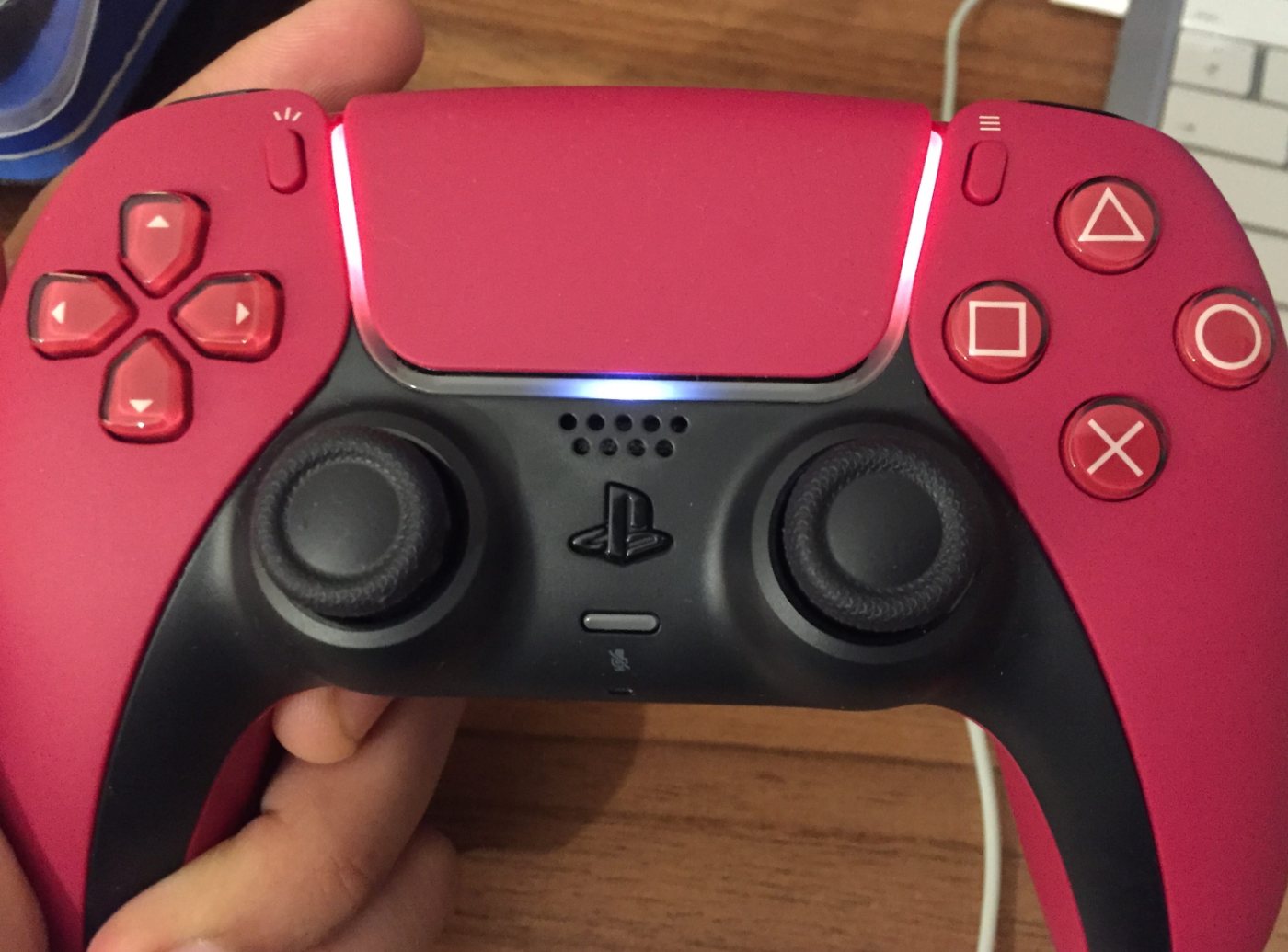
The first thing that confused me while using my Dualsense controller for the first time was the orange lights on the side and white in the center. And when in this mode, it was not responding as usual. So, I went on to Reddit and found out what it meant-
When the Dualsense controller shows orange lights on sides and white in the center, it means it is successfully connected to an Apple device.
See- the answer was so simple, but I was panicking because it had happened for the first time, and I wanted to pair it with another device, which soon became easier.
I started reading the manual as well, and it suggested that I press and hold the PS and Create/Share buttons at the same time until the blue lights start blinking on the sides- and it worked! The gamepad started blinking blue lights on both the sides and my new device could find the controller on Bluetooth- easy connection there.